One room, one timeline.
Play, pause, or seek once. Everyone follows the same moment automatically.
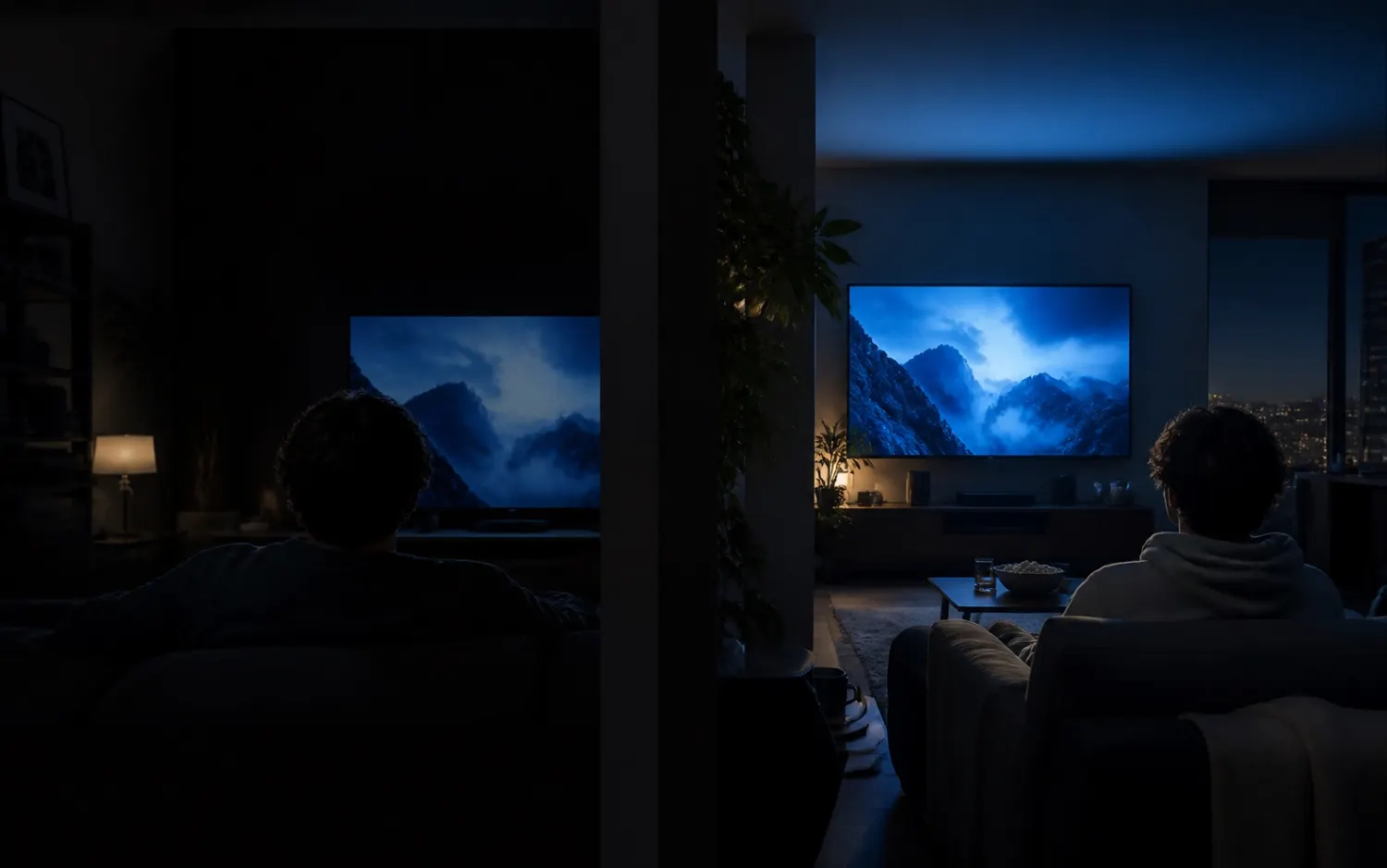
Shows Party keeps playback and chat in sync on the streaming sites you already use. One room, one link, zero setup.

Works where you already watch


Features
Nothing new to learn. Start a room, share one link, and keep watching where you already watch.
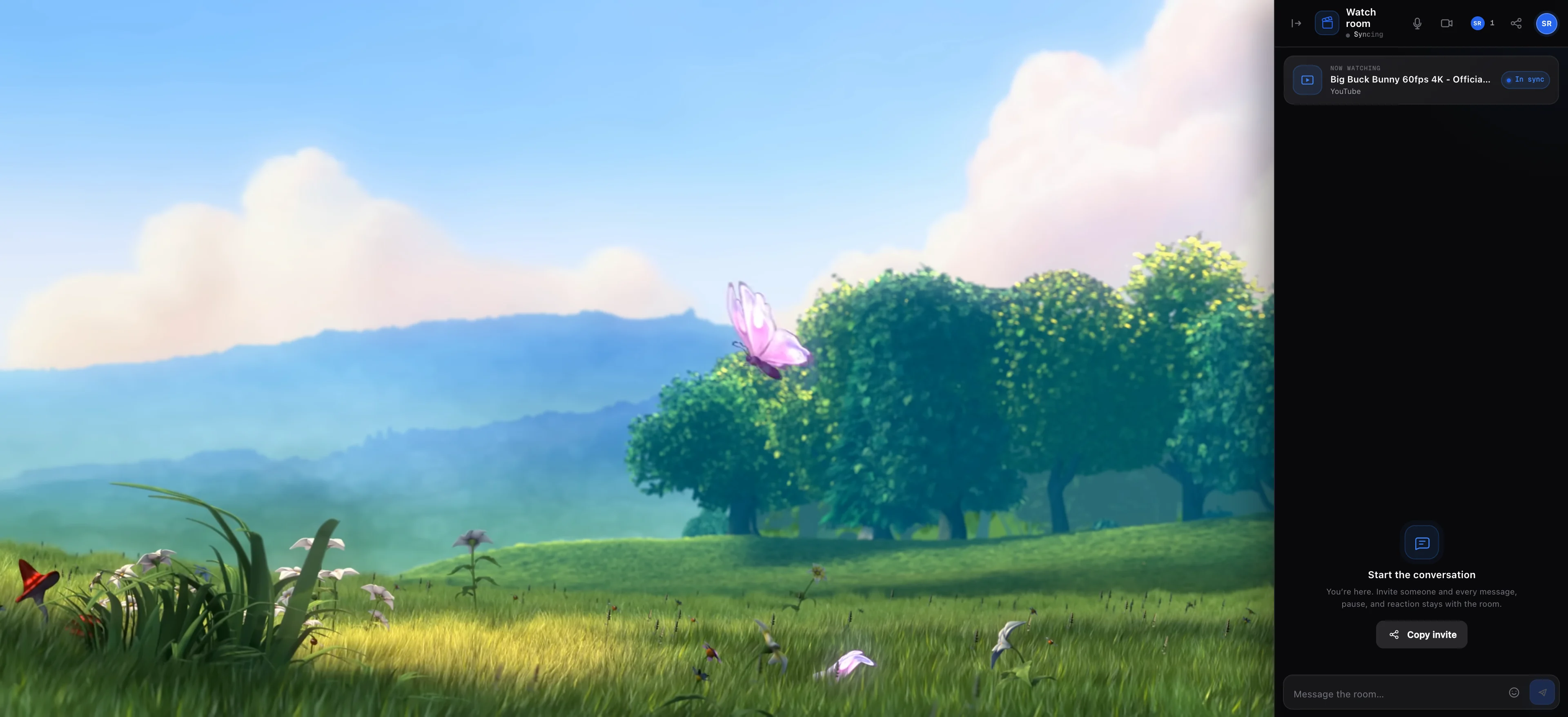
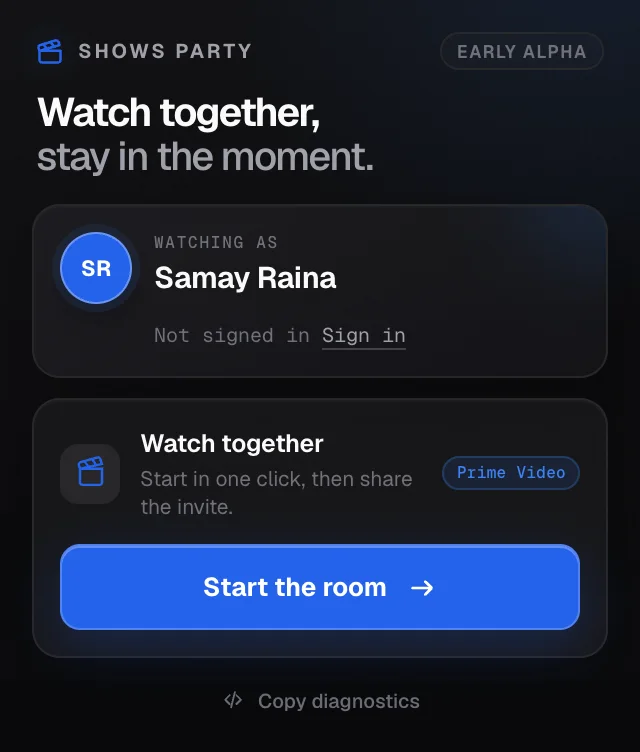
Play, pause, or seek once. Everyone follows the same moment automatically.
The sidebar preserves the picture and hides when you want the full screen back.
No public room list and no code to guess. Send the invite to the people you want there.
How it works
The ZIP includes a setup helper for macOS, Windows, and Linux.
Click the extension and start the room from the popup.
Your friends join the right title at the same playback moment.
Private by design
Shows Party moves room events between participants. It does not host video, sell personal data, or build a viewing profile.
Read the privacy policyInstall
Shows Party is not in the Chrome Web Store yet. Download the ZIP and follow the helper for your computer.
Download for ChromeFAQ
Yes. Everyone needs Shows Party and their own access to the streaming service and title.
YouTube, Netflix, JioHotstar, and Prime Video on primevideo.com.
No. Add a display name and start immediately. Signing in only carries your name to another browser.
Yes. The room stays docked in fullscreen and can be hidden whenever you want the full width back.
No. It synchronizes each person’s player. It does not host, download, or unlock content.
Install Shows Party, open a video, and send the invite.